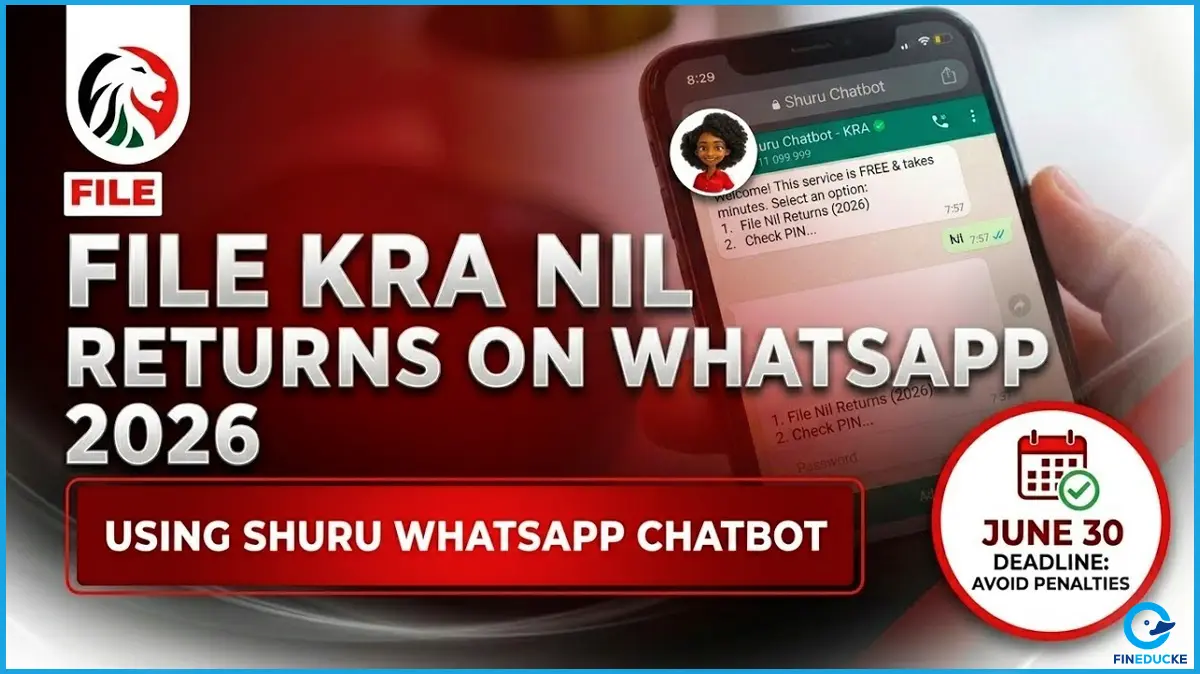
Filing tax returns in Kenya just got significantly easier. The Kenya Revenue Authority (KRA) has officially launched Shuru, a WhatsApp-based virtual assistant that allows Kenyans to file returns, generate eTIMS invoices, make payments, and access 15 tax services on your WhatsApp.
KRA Commissioner General Humphrey Wattanga launched the platform as part of a broader modernisation drive targeting the 22.6 million Kenyans who hold KRA PINs but are not actively filing returns.
KRA WhatsApp number (Shuru): 0711 099 9992026 Filing deadline: June 30, 2026
What Is Shuru and Why It Exists
Kenya's tax compliance gap is stark. In the 2024/25 financial year, only about 7 million Kenyans were actively paying taxes out of 22.6 million registered PIN holders which means that the vast majority of registered taxpayers were not filing.
The barriers were well known: iTax timeouts, forgotten passwords, complex forms, and the assumption that filing required a computer or a cyber café visit.
KRA addressed this directly, stating: "Filing your taxes just got easier. You can now file through WhatsApp. No new apps. No extra steps. Just open WhatsApp and get it done. For many people, filing is not hard because it is complicated. It is hard because it feels like a process; logging in, resetting passwords, figuring out forms, starting, stopping, and coming back later."
WhatsApp penetration in Kenya exceeds 90% among internet users, with an estimated 40 million active accounts on the platform. By meeting taxpayers on an application they already use every day, KRA is effectively removing the largest single obstacle to compliance which is; friction of accessing an unfamiliar, bureaucratic digital system.
Also read: Complete list of all services that you can access through the Kenyan eCitizen portal.
What Services Are Available on Shuru?
Shuru is not a basic FAQ bot. It is a fully integrated digital assistant connected directly to KRA's backend systems, including iTax and eTIMS, offering the following through a conversational menu:
|
Service |
What You Can Do |
|
File Tax Returns |
Nil returns, individual income tax, VAT, PAYE, rental income |
|
eTIMS Invoicing |
Generate a fully compliant electronic tax invoice and download as PDF |
|
Tax Payments |
Generate a Payment Registration Number (PRN) and settle obligations |
|
Tax Compliance Certificate |
Apply for and download your TCC within the chat |
|
PIN Verification |
Instantly verify any KRA PIN |
|
Talk to an Agent |
Escalate complex questions to a live KRA representative |
|
PIN Management |
Update and manage your KRA PIN details |
|
Tax Information & Queries |
Get answers to common tax questions |
What You Need Before You Start
- A registered KRA PIN
- Your National ID number
- Access to the phone number registered with KRA (for OTP verification)
- A smartphone with WhatsApp installed and a stable internet connection
- For income returns: your income documents
Note: If you have never registered a KRA PIN, you must do so first at itax.kra.go.ke. Shuru handles filing and compliance services; it does not replace the initial PIN registration process.
Also read: Fineducke Breakdown of The Finance Bill 2026
How to File KRA Returns via WhatsApp: Step by Step
Step 1: Save the Official KRA Number
Save 0711 099 999 (or +254 711 099 999) in your contacts as KRA Tax Services or any name you will recognise. This is the only official Shuru number.
Step 2: Start the Chat
Open WhatsApp and send the word Hi or Menu to the saved number. Shuru will respond immediately with a menu of the 15 available services.
Step 3: Verify Your Identity
You will be prompted to enter your National ID number and KRA PIN, followed by a one-time password (OTP) sent to your registered mobile number. This step connects you to your taxpayer profile and unlocks your pre-filled data.
Step 4: Select File Returns
From the menu, select the return type that applies to you:
- Nil Return: if you had no taxable income in 2025
- Individual Income Tax: for salaried employees or those with employment income
- VAT Return: for VAT-registered businesses
- PAYE Return: for employers
- Turnover Tax (TOT): for small businesses under the TOT regime
- Monthly Rental Income (MRI): for landlords
Step 5: Confirm Your Pre-Filled Data
For individuals earning employment income, KRA has introduced pre-filled returns that automatically incorporate data from employer PAYE submissions, including gross pay, taxable income, and statutory deductions such as the Social Health Insurance Fund (SHIF) and the Affordable Housing Levy (AHL). Review this data carefully, make any necessary corrections, and confirm.
Step 6: Submit and Receive Confirmation
Follow the final prompts to submit your return. Once successfully filed, you will receive a confirmation message within the chat. Screenshot or save this confirmation for your records.
Filing a Nil Return via Shuru
A nil return is a declaration to KRA that you did not earn any taxable income during a specific year. Every Kenyan with a KRA PIN is required to file annually regardless of whether you earned or not. Failure to file, even with zero income, attracts penalties.
Filling Nil returns is among the simplest filings on Shuru. After identity verification, select Nil Returns from the menu, confirm your details, and submit. The entire process takes under three minutes.
Categories required to file nil returns include:
- Unemployed individuals with a KRA PIN
- Dependants without independent income
- Persons on career breaks or sabbatical leave
- Students who hold a KRA PIN but have no income
Generating eTIMS Invoices via Shuru
For business owners, market traders, and freelancers, Shuru also handles eTIMS electronic invoice generation.
From January 2026, KRA began validating all declared expenses against eTIMS records at the point of return filing. Any expense not backed by a transmitted invoice can be disallowed, increasing your taxable income.
Through Shuru, the process works as follows:
- Select eTIMS Invoice from the menu
- Enter your customer's KRA PIN (the system validates it in real time)
- Enter transaction details as prompted
- The invoice is transmitted to KRA's eTIMS system instantly and a PDF with a QR code is sent to you via SMS link that is shareable directly with your buyer
Every invoice generated is stored in KRA's eTIMS database under your PIN and automatically factored into your return data when filing season arrives.
No Smartphone? Use the USSD Option Instead
For Kenyans without a smartphone or reliable internet, the eCitizen USSD service on *222# offers the same core KRA services through feature phone menus. Select option 5 for KRA Services, then follow the prompts. Services available include PIN registration, Turnover Tax (TOT), Monthly Rental Income (MRI), eTIMS, payments, Tax Compliance Certificates, and more.
2026 Filing Deadline and Penalties
The deadline for filing returns and paying any balance of tax for income earned in 2025 is June 30, 2026. KRA urges all individuals and businesses to file their returns on time and pay any taxes due to avoid penalties.
Shuru does not change your legal filing obligations. Key penalty risks to be aware of:
- Late filing attracts a penalty even if no tax is owed
- Non-eTIMS expenses declared without documentation may be disallowed, increasing your taxable income
- KRA is actively sending tax demand messages to Kenyans with discrepancies between declared income and eTIMS records. These are genuine notifications and must not be ignored, with payment required by the stated deadline to avoid penalties and interest.
Important Security Warning
KRA will never ask for your KRA PIN password via an unsolicited message. Be cautious of fraudsters impersonating KRA on WhatsApp. Verify you are always chatting with the official verified number 0711 099 999 before sharing any personal or financial details.
Quick Reference
|
Item |
Details |
|
Shuru WhatsApp Number |
0711 099 999 (save as a contact first) |
|
Activation message |
Send "Hi" or "Menu" |
|
Filing deadline (2025 returns) |
June 30, 2026 |
|
iTax portal (complex returns) |
itax.kra.go.ke |
|
USSD alternative |
Dial *222# |
|
Services available |
15 tax services including returns, eTIMS, payments, TCC |
|
24/7 availability |
Yes, Shuru operates round the clock |